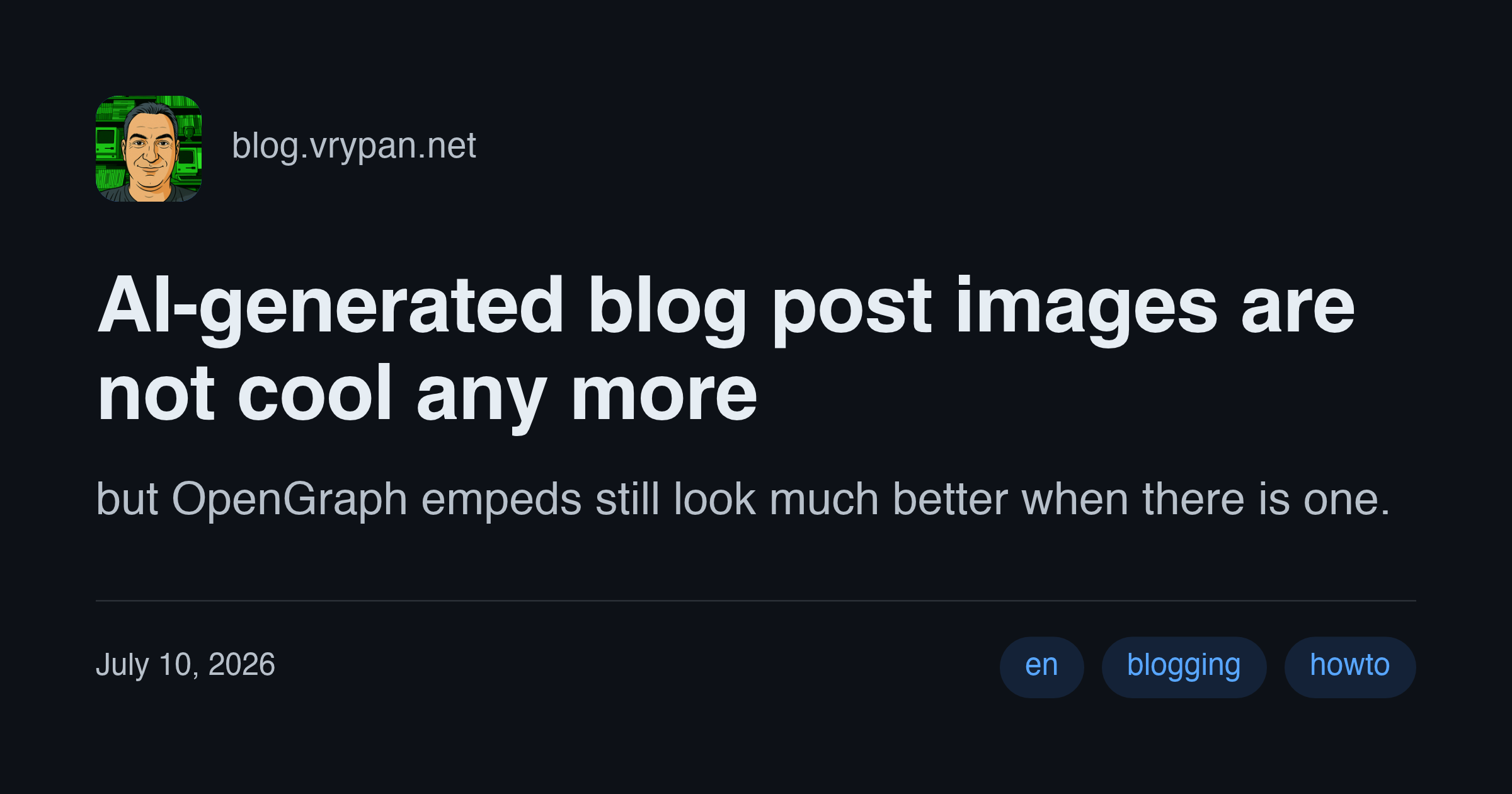
You share your blog post on X, Facebook, Bluesky, etc and you know it will be presented so much better if it has an image. Sometimes it's easy. You blog about something that has a visual element and it's easy to use a diagram, a product photo, a landscape —you would have done it anyway.
But many times, you just want to share a thought or an idea, or some code.
In the past, the only way for most of us was to hunt for images under Creative Commons
licenses. Writting a post about the history of CR?
Try to find an old typewritter photo that you like, and is compatible with your blog,
and blends nicely with your content.
A couple of years ago, we got a new tool: AI-generated images. Just tell an AI what you want, itterate a couple of times, and done.
But AI-generated images in blog posts are no longer cool. Everyone does it. And with the exception when an image is a really good fit, it looks like a 2000 PowerPoint using animated transitions and WordArt.
I think the ideal solution is a card generated by your post title and abstract, the date, the tags, your blog name, etc. In other words, present your blog post the way you would like it to be presented, not how the third party service decides to format your title or trim your text.
There are many tools that generate images like this, but most of them use node.js
and I dread the moment I run npm install which pulls 1,000 dependencies.
So I wrote my own tool, og-img in Rust (thank you, Claude). A single binary, that does exactly waht I want, and it's quite fast (though I have not done any serious optimizations yet).
Just install
brew tap vrypan/tap
brew install og-img
and run
og render \
  --icon vrypan.png \
  --site blog.vrypan.net \
  --title "AI-generated blog post images are not cool any more" \
  --text "but OpenGraph empeds still look much better when there is one." \
  --tags en,blogging,howto \
  --date "July 10, 2026" \
  --theme github-dark \
  -o og.png